Clean Light Switches and Door Handles with Controlled Moisture
Frequently touched handles and switch surfaces need a cleaning method suited to their material and electrical context. Use the manufacturer's care instructions, keep liquid away from openings and apply any suitable product as directed.
Frequently touched handles and switch surfaces need a cleaning method suited to their material and electrical context. Use the manufacturer’s care instructions, keep liquid away from openings and apply any suitable product as directed.
Make the surface decision first
| Surface | Check | Appropriate boundary |
|---|---|---|
| Door handle with intact finish | Material and approved cleaner | Gentle external cleaning |
| Light-switch exterior | Electrical and product guidance | Controlled moisture without liquid in openings |
| Smart control or electronic panel | Device instructions | Use only a permitted method |
| Loose, damaged or malfunctioning fitting | Condition of the equipment | Arrange qualified attention rather than cleaning around it |
What You Need
- Microfiber cloths
- A mild surface cleaner appropriate for the finish
- Cotton swabs only for accessible non-electrical edges if needed
- A dry cloth
Step 1: Use a Low-Moisture Method
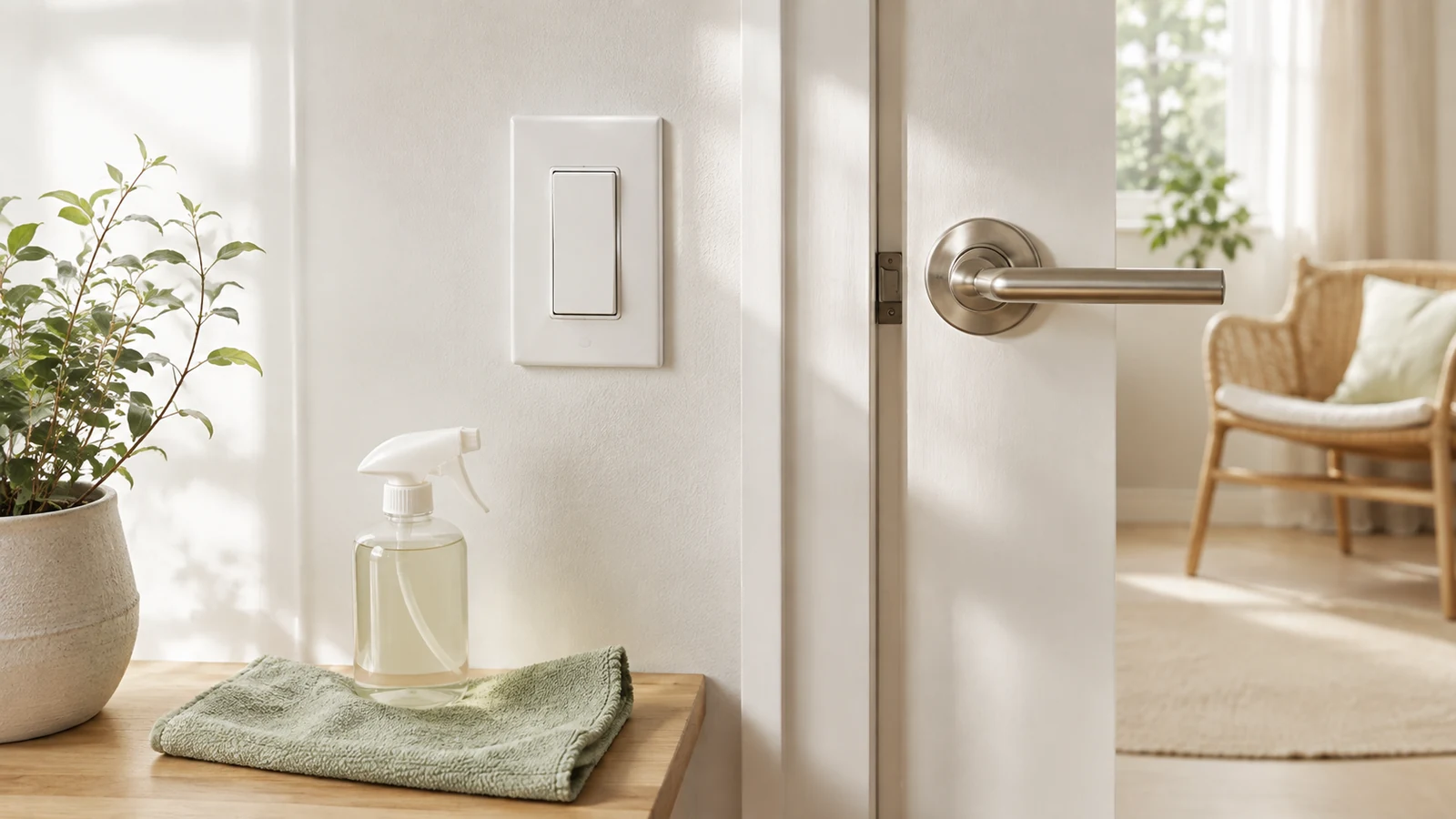
Apply cleaner to the cloth, not directly to the light switch or hardware. The cloth should be damp enough to clean but not wet enough to drip.
Step 2: Wipe the Switch Plate
Clean the flat face of the plate first, then carefully wipe around the switch. Avoid forcing moisture into gaps. If the plate is cracked, loose, or damaged, address the hardware issue instead of aggressively cleaning around it.
Step 3: Dry the Surface
Use a clean dry cloth to remove remaining moisture. This also helps reduce streaks on glossy switch plates.
Step 4: Clean Door Handles
Wipe the handle, knob, or pull, including the area where fingers normally grip. Then clean the surrounding plate or door surface if the finish allows it.
Step 5: Check the Material
Brass, painted metal, stainless steel, wood, coated hardware, and specialty finishes may require different products. Avoid abrasive pads that can scratch or dull the finish.
Electronic Locks and Smart Controls
For keypads, smart locks, dimmers, touch panels, and connected switches, follow the device manufacturer’s cleaning instructions. These products may be more sensitive to liquid than ordinary mechanical hardware.
How Often Should You Clean High-Touch Surfaces?
Frequency depends on household size, traffic, illness, and personal preference. Rather than following a rigid schedule, include the main handles and switches in your regular room-cleaning rotation.
A Fast High-Touch Surface Route
- Front and back door handles
- Kitchen light switches
- Bathroom door handles and switches
- Bedroom switches
- Frequently used cabinet pulls
Common Mistakes
- Spraying cleaner directly onto a switch
- Using a soaking-wet cloth
- Using abrasive products on coated metal
- Ignoring electronic-device instructions
- Cleaning only the handle and forgetting the surrounding touch area
Decide whether an extra disinfecting step is needed
CDC distinguishes ordinary cleaning from disinfecting and recommends cleaning the surface first. When disinfection is appropriate, use a product suitable for the surface and follow its contact time and other label directions.
Avoid spraying directly into a switch, fitting or control. A wipe should not be dripping, and incompatible abrasive products can damage finishes. If the fitting is wet, damaged or behaves unusually, stop and use the appropriate qualified help rather than opening it during a cleaning session.
Sources and further guidance
Browse more practical Tidy Home Lab guides for this part of your home.
Explore Cleaning →Related Guides